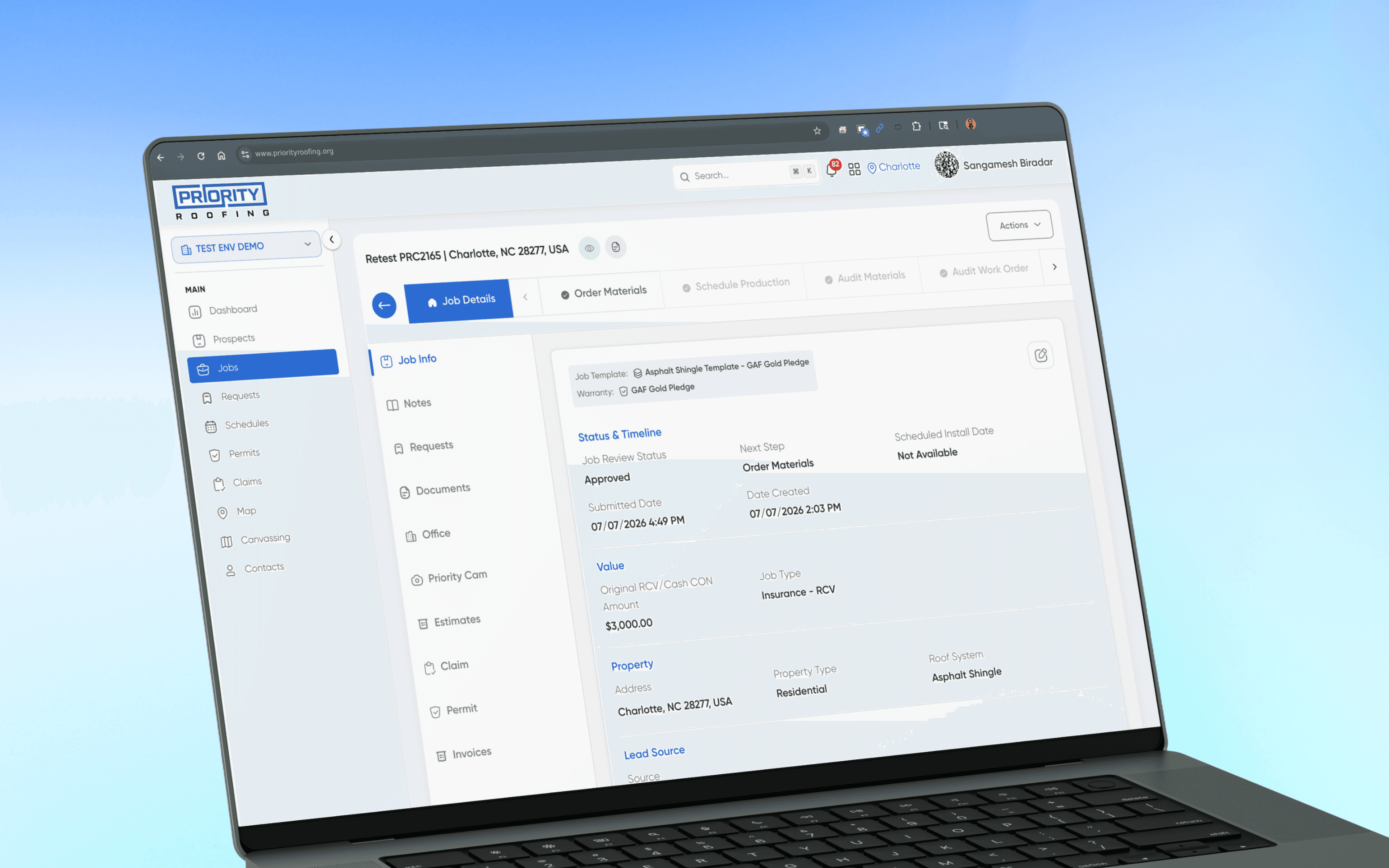
Projects Roofing CRM
One CRM for Every Roofing Job, From Lead to Paid Commission
Priority Roofing ran its business across QuickBooks, Roofr, and stacks of Excel sheets that didn't talk to each other. We built one CRM that follows a job from a knock on the door to a paid commission.
- Company
- Priority Roofing (USA)
- Timeline
- Jun 2024 - 8 weeks
- Team
- Developers, Stakeholders, Tester, Product Designer
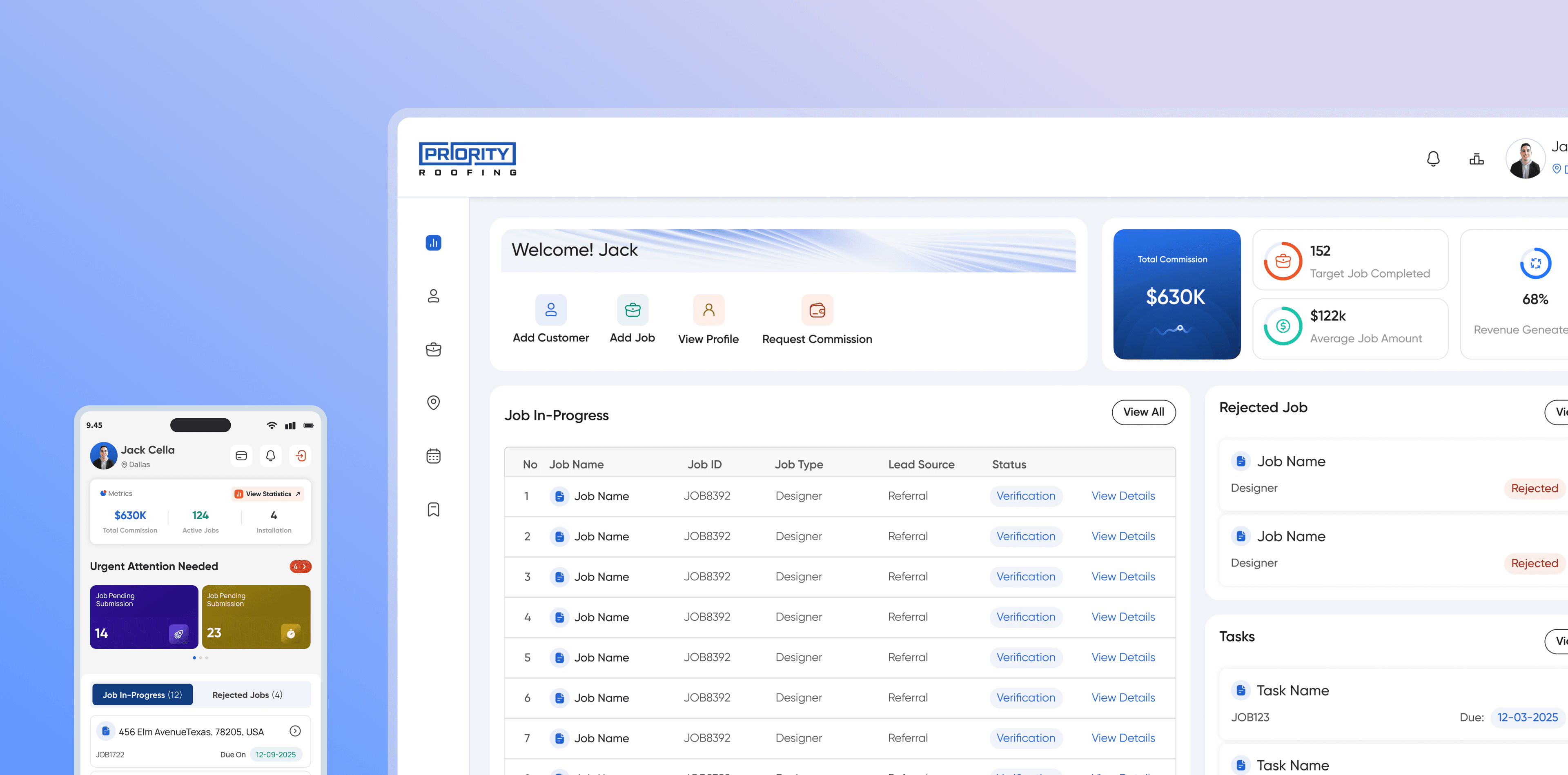
THE OUTCOME, UP FRONT
One system now follows every job from the first door-knock to the final commission. No more spreadsheets, no more drift, no more dead ends between tools.
3 → 1
disconnected tools collapsed into one source of truth
100%
off spreadsheets for Back Office & PM teams
40%
faster job coordination, handoff to first action
A Business That Outgrew Its Own Tools
I led product design on this CRM from a blank slate to a seventeen-module system, defining what it would own, then validating it with a pilot before rollout while developers built to spec.
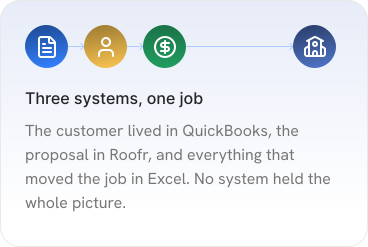
Priority Roofing is a US roofing contractor: canvassing, closing deals, ordering materials, dispatching crews, inspections, insurance claims, and commissions. As the business grew, its tools didn't keep up, every job's info was split across different software, and no single place showed where a job stood.
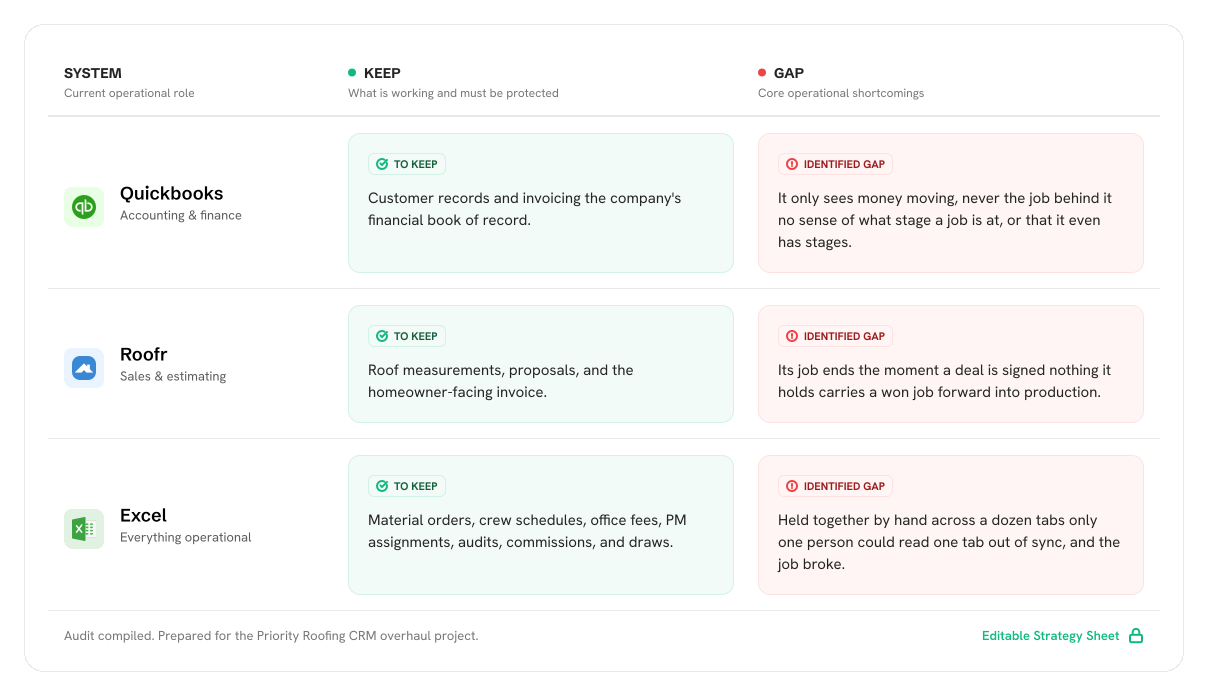
“QuickBooks knows the customer. Roofr made the proposal. Everything in between lives in a spreadsheet only one person can read.”
Where the Process Actually Broke Down
The tools weren't the problem, the gaps between them were. Every handoff meant retyping the same job by hand, patched manually at every seam. Five problems kept showing up.
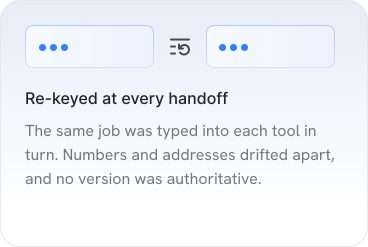
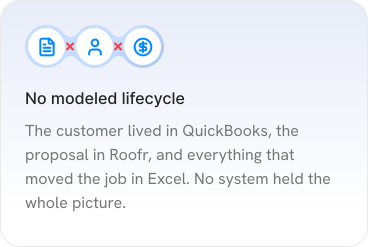
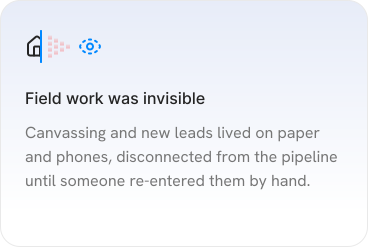
THE DEEPER PROBLEM
No off-the-shelf tool, roofing-specific or not, could flex to how this business actually ran.
Roofing-specific tools existed, but each assumed a simpler operation than Priority Roofing had. Commission tracking, material management, and cross-team coordination all needed to work as one synced system, every alternative meant stitching separate tools together instead.
How Work Actually Moved, Not How It Was Supposed To
Priority Roofing was growing fast, more reps, more crews, more claims, but its tools hadn't kept up. Before designing anything, I needed to understand how a job actually made money and where the current tools cost time, accuracy, and trust.
Instead of relying on a documented process, I traced one real job start to finish and talked to everyone who touched it: sales, back office, production. I interviewed each role, audited the spreadsheets holding everything together, and watched the day-to-day work to see where reality diverged from the official process.
Three Roles, Three Very Different Days
A job passes through a Sales Rep, a Project Manager, and Back Office before it's paid out, each experiencing the same broken handoffs differently. Understanding the job meant understanding all three.
STAKEHOLDER SESSION
3 roles · 9 questions
Each interview centered on a few simple questions: how work actually moved, not how it was supposed to.

Sales Reps
Canvassing → close
How does a door-knock or a lead actually become a job in the system?
After you close, how do you know it moved into production?
Where do you look when a homeowner calls for a status update?
Back Office
Materials, audits, commissions
Walk me through everything you touch after a job is submitted.
What still lives in a spreadsheet that no tool holds for you?
How do commissions and draws get calculated and paid out?
Project Managers
Scheduling, crews, inspection
How do you decide which job to schedule and which crew to send?
When a job stalls between tools, how do you even find out?
What would you need to see the moment you open a job?
WHO THE WORK RUNS THROUGH
3 personas
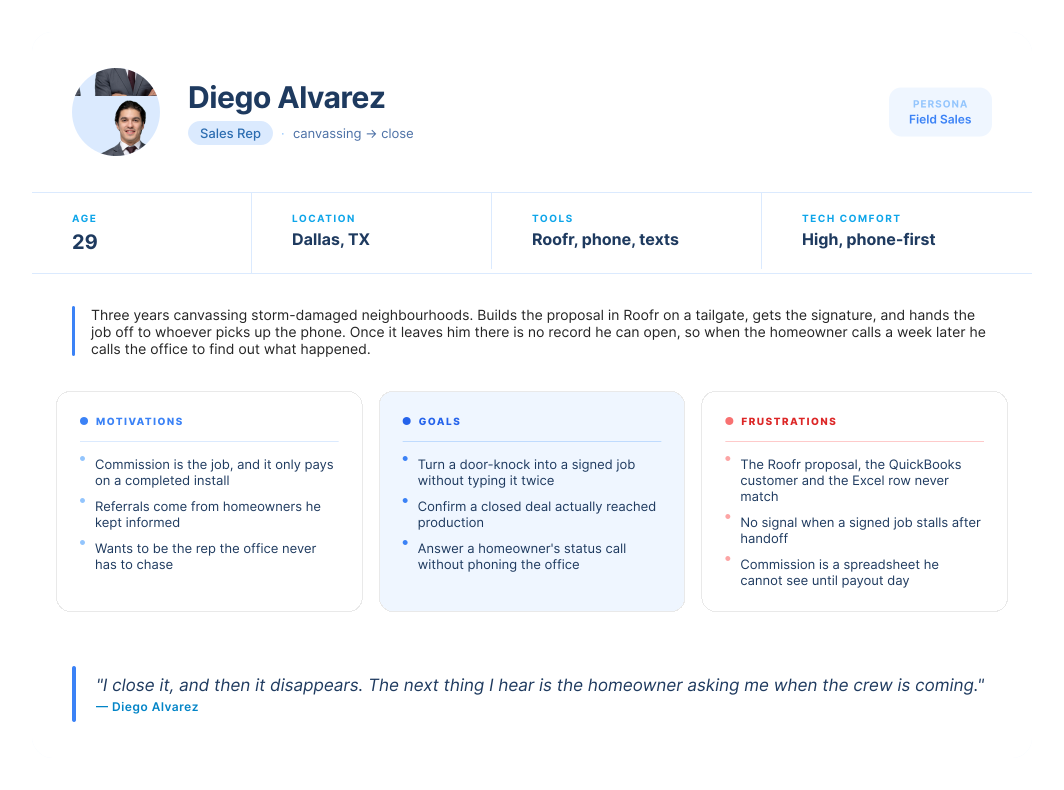
How a Job Actually Moved Before the CRM
No single step in the old process was broken. It broke between the steps, at every handoff nobody owned.
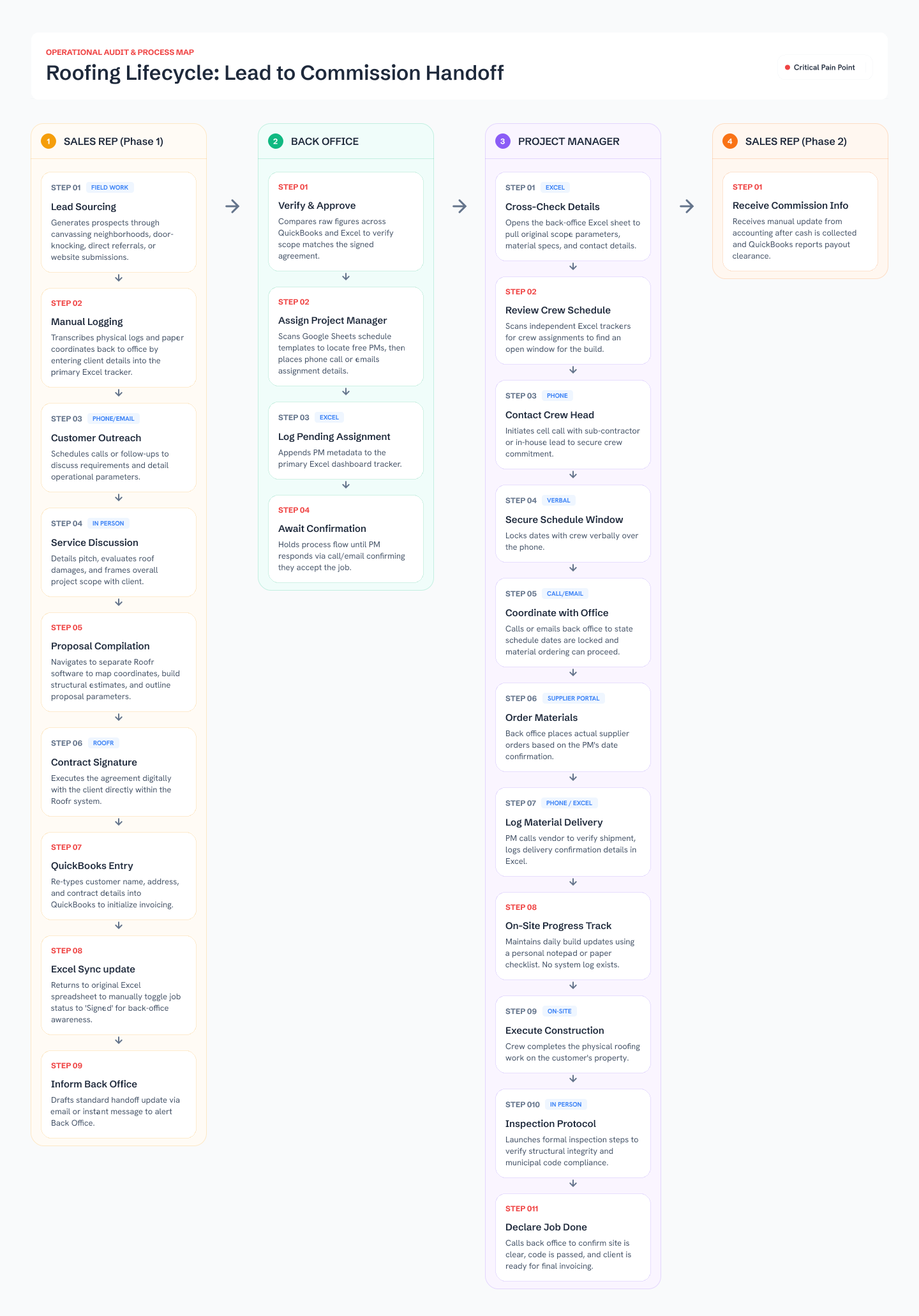
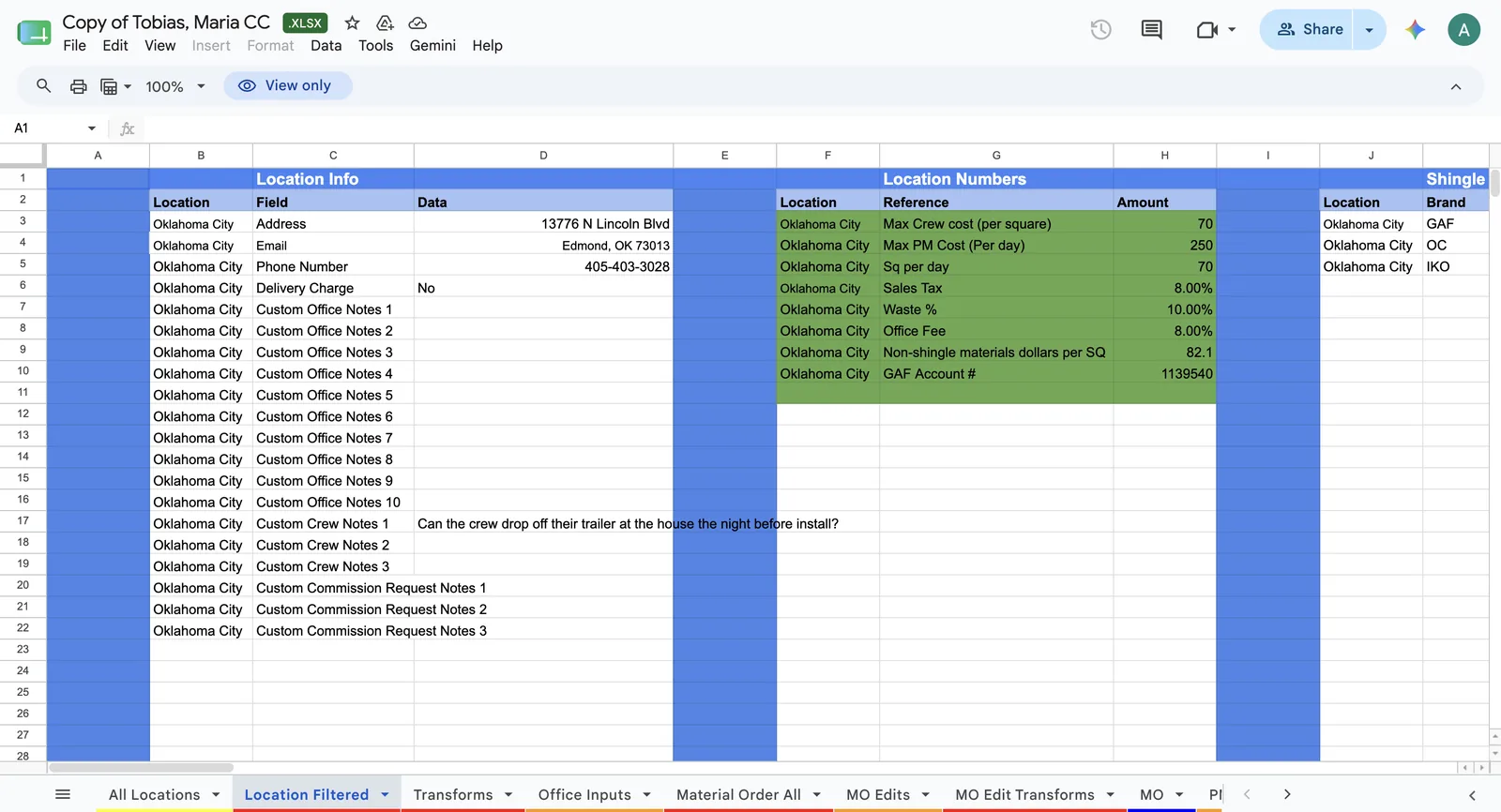
The Spreadsheets, As They Actually Were
Screens from the audit, the actual spreadsheets Back Office used to keep everything running.
Alongside the interviews, I looked at four off-the-shelf CRMs to see if any could do the job.
Horizontal CRMs (Salesforce-style platforms)
Flexible enough to model almost anything, but that meant months of setup just to represent a job, and still nothing built for roofing-specific work like material orders or crew scheduling.
Field-service management tools
Good at scheduling and dispatch, the Project Manager's half of the job. Weak on sales and finance, so the same seams would just move, not disappear.
Point solutions like Roofr
Great at the one job they're built for, estimating and proposals, which is exactly why the team already used one. None of them own a job's whole lifecycle.
THE GUIDING QUESTION
What if a job had one home from the first knock on the door to the last commission paid?
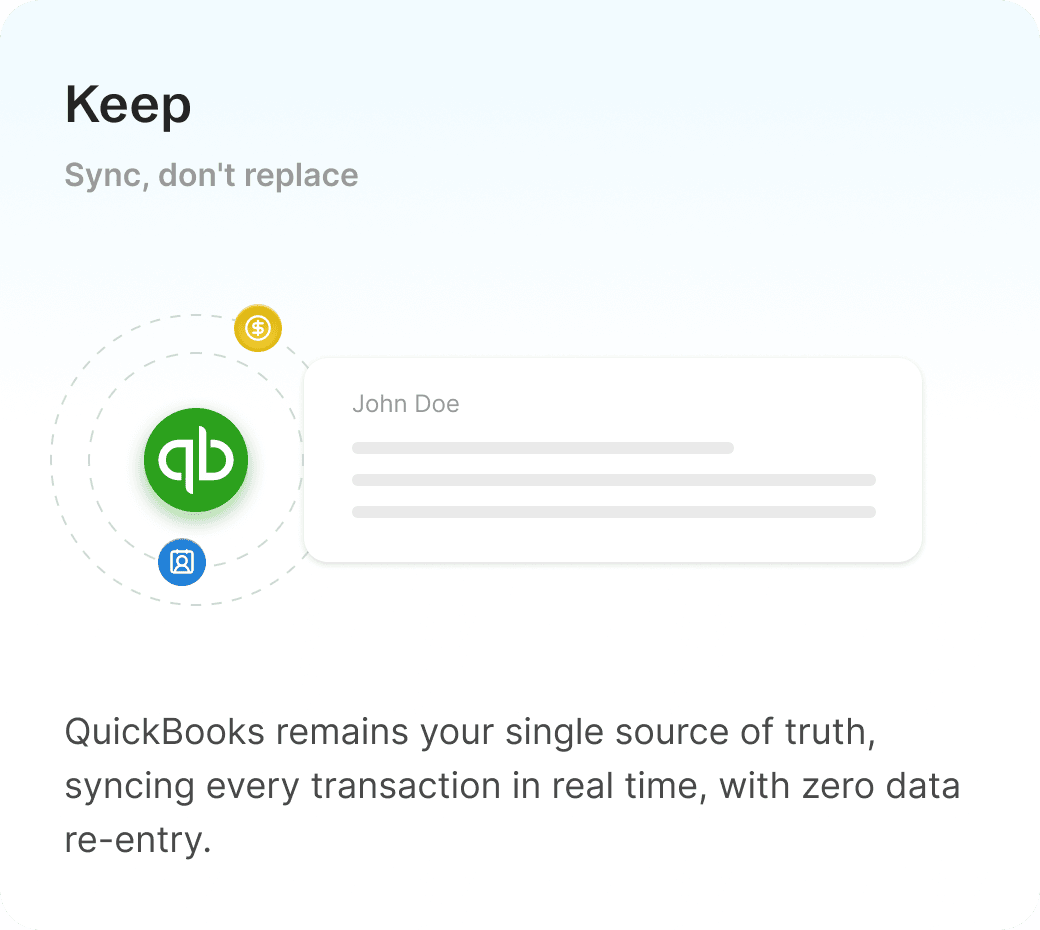
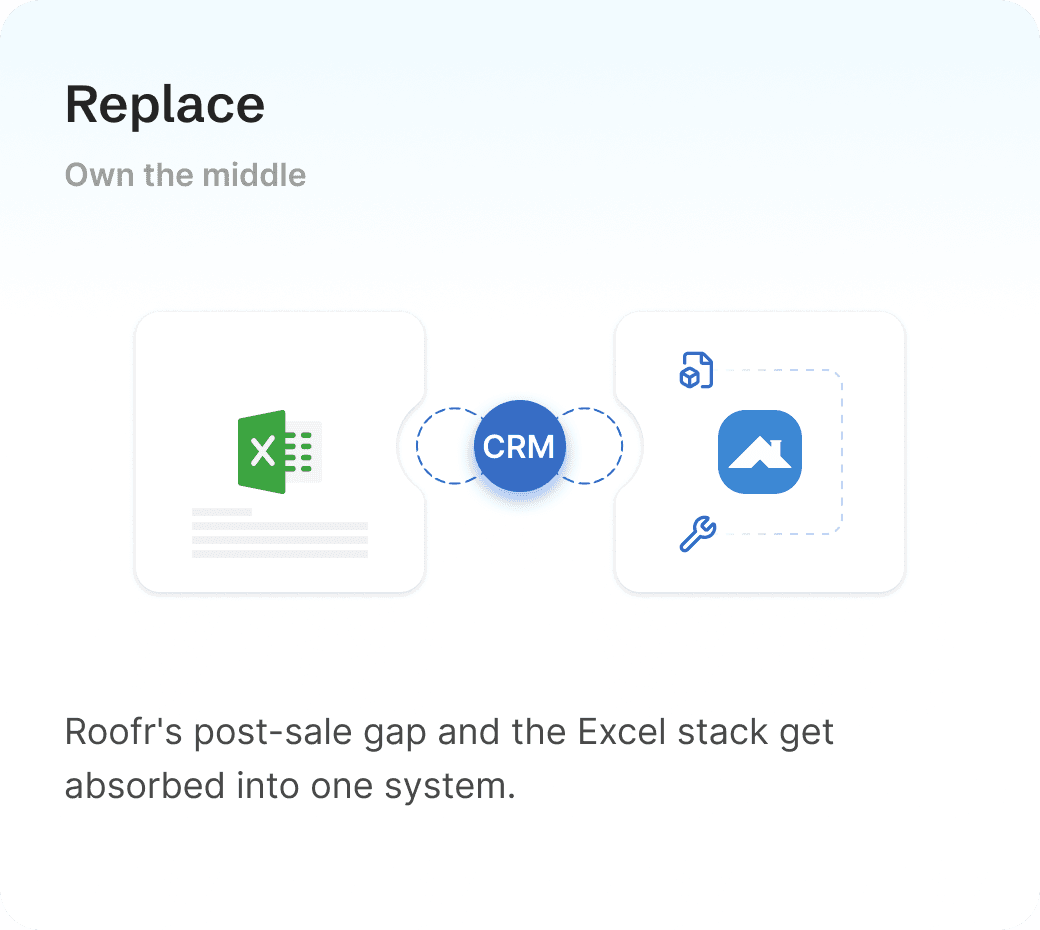
What to Keep, What to Replace, What to Own
The first big decision wasn't a screen, it was scope. Replacing everything at once was too costly and risky, so we drew a clear line around what the new CRM would own.
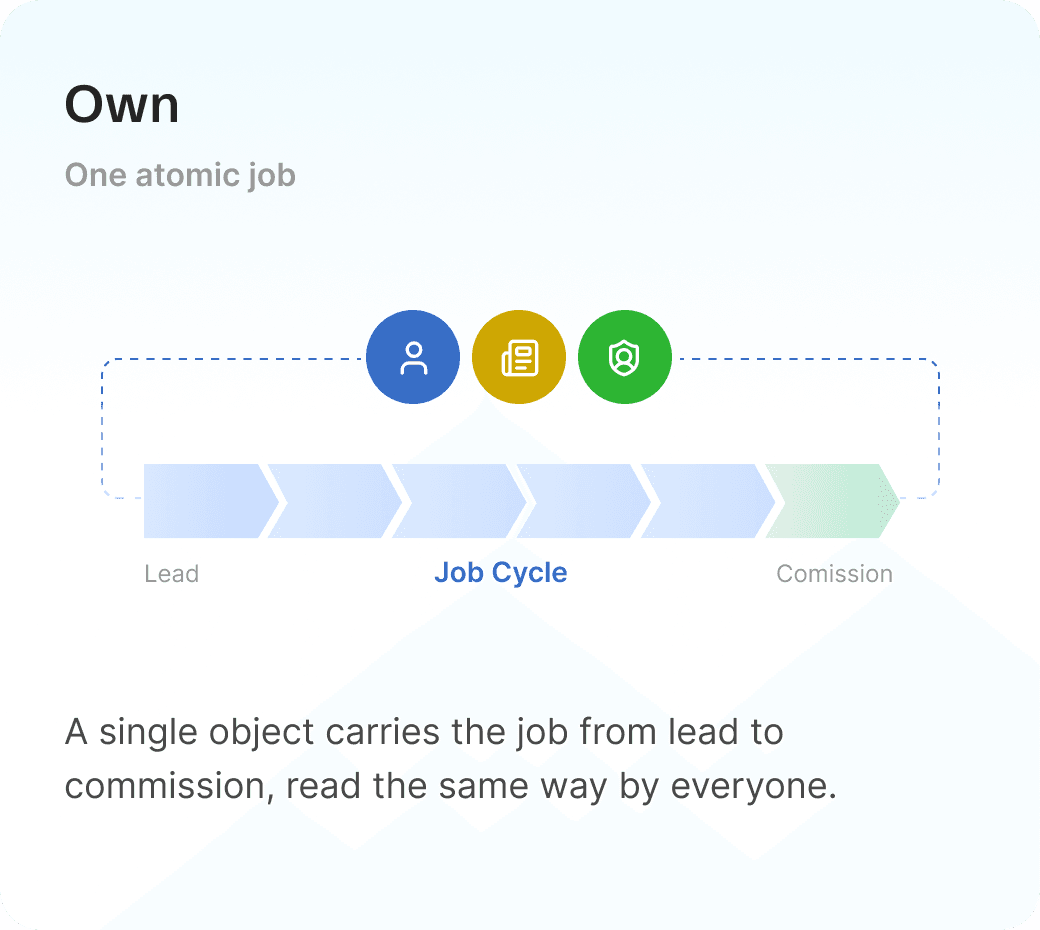
One Path From Door-Knock to Paid Commission
The modules aren't a menu, they're a path: a lead comes in from the field and leaves as a paid job, every handoff happening inside the same system. Four phases, each owned by the people who do the work.
Seventeen Tools Replaced by One Connected System
The system is organized the way the business actually thinks, not the way software normally is. The navigation has three groups, daily work, money, and people, and everything points back to the job.
Every Spreadsheet Became a Real Feature
Material management was the heaviest lift, inventory, purchase orders, and reconciliation all ran by hand across tabs. Alongside fees, sales reps, PMs, and territory, each spreadsheet became a structured module tied back to the job.
Prospects: Everything Before a Job Exists
A Prospect is the module for the whole Acquire → Qualify stretch, from a captured lead through status changes to Job Won. It's the busiest screen for Sales Reps and the gate Back Office checks before a submittal becomes a real job.
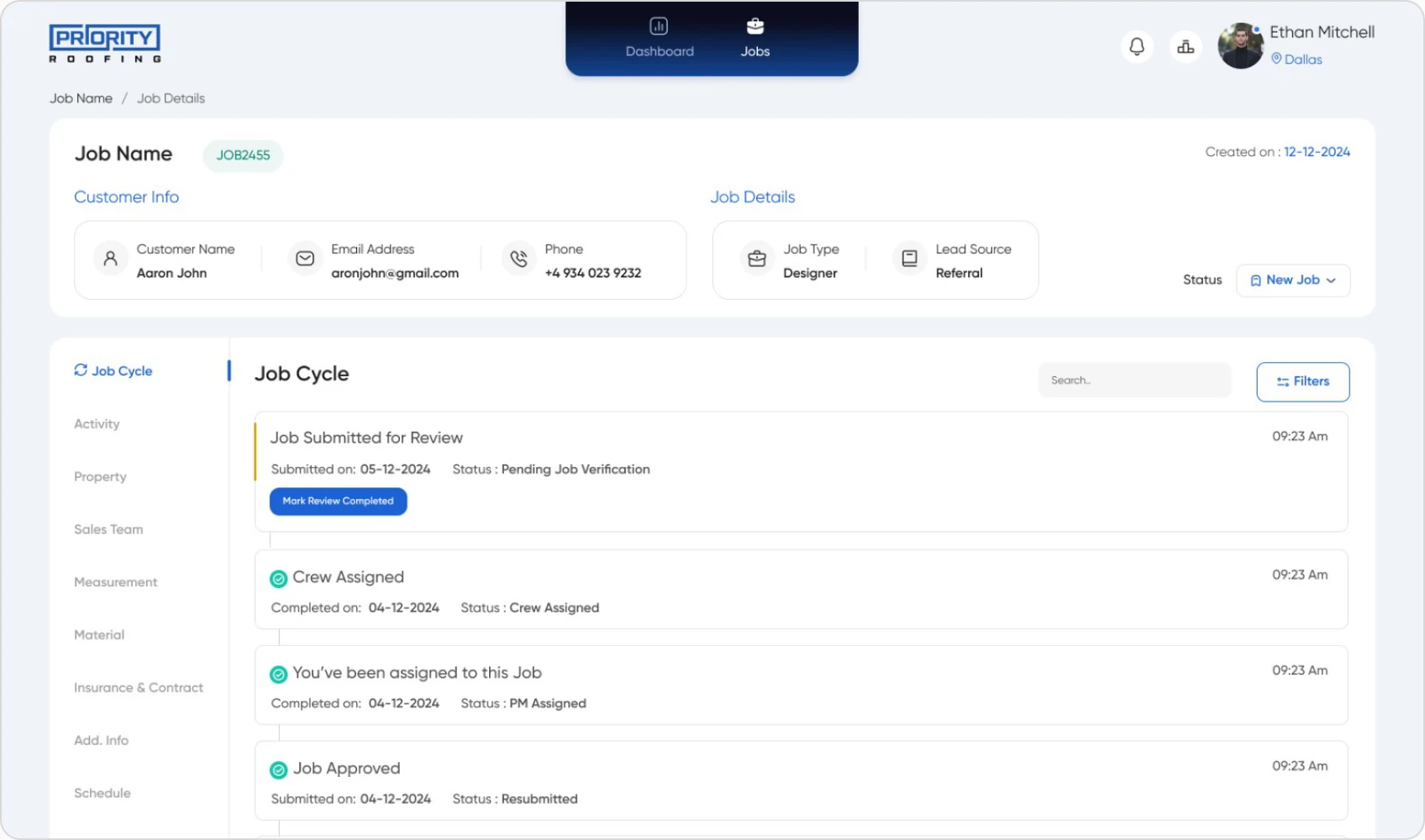
The Job Cycle: One Pipeline Everyone Reads the Same Way
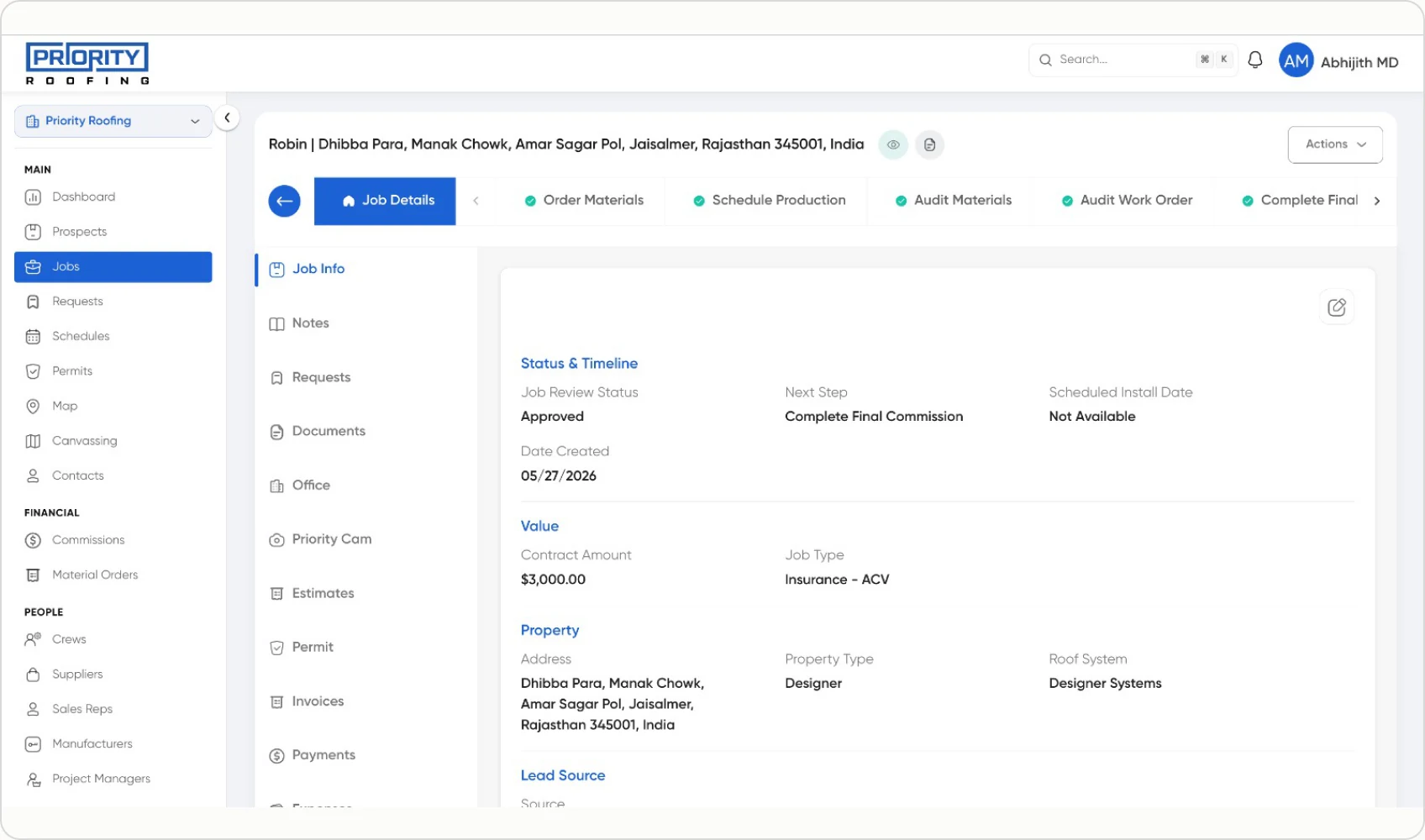
Every job runs on an eight-stage pipeline pinned to the top of its record, replacing the Excel status column no one trusted. The current stage is unmistakable, each stage has a clear owner, and "Next Step" is a first-class field instead of something you deduce.
The Money Moves With the Job
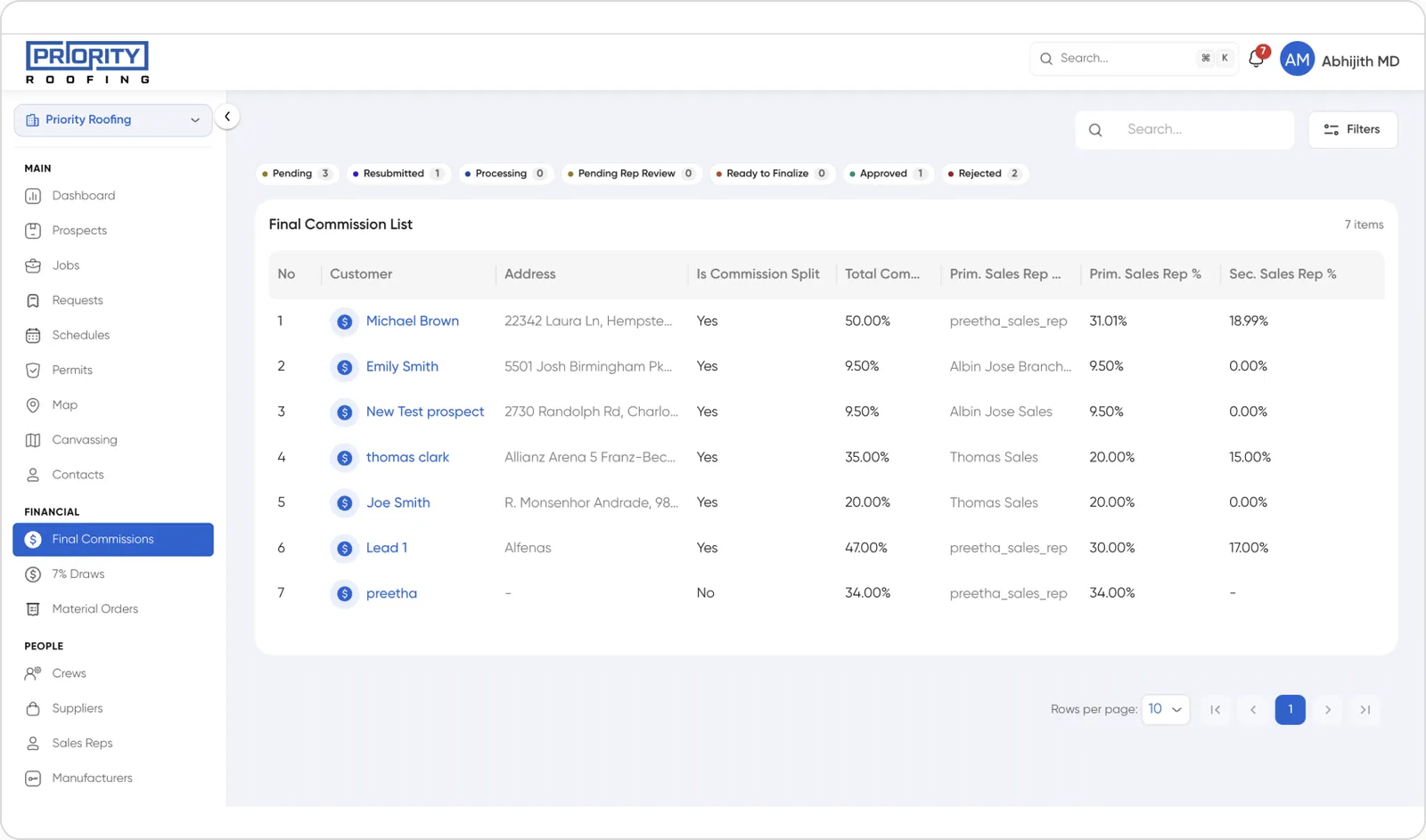
QuickBooks stays the book of record, but the operational money that used to live in Excel (commissions, draws, and material spend) now sits inside the CRM, tied to the job that generated it.
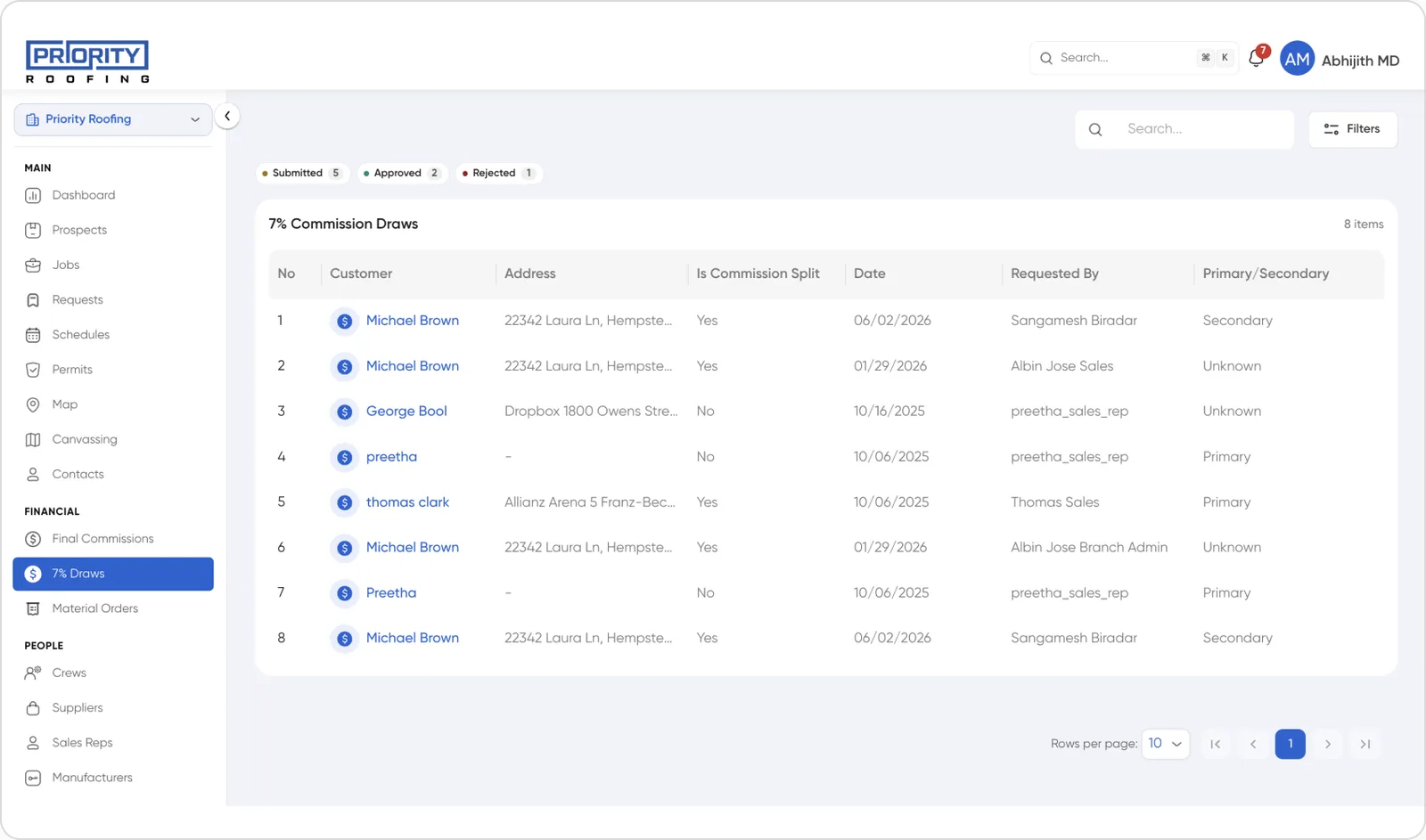
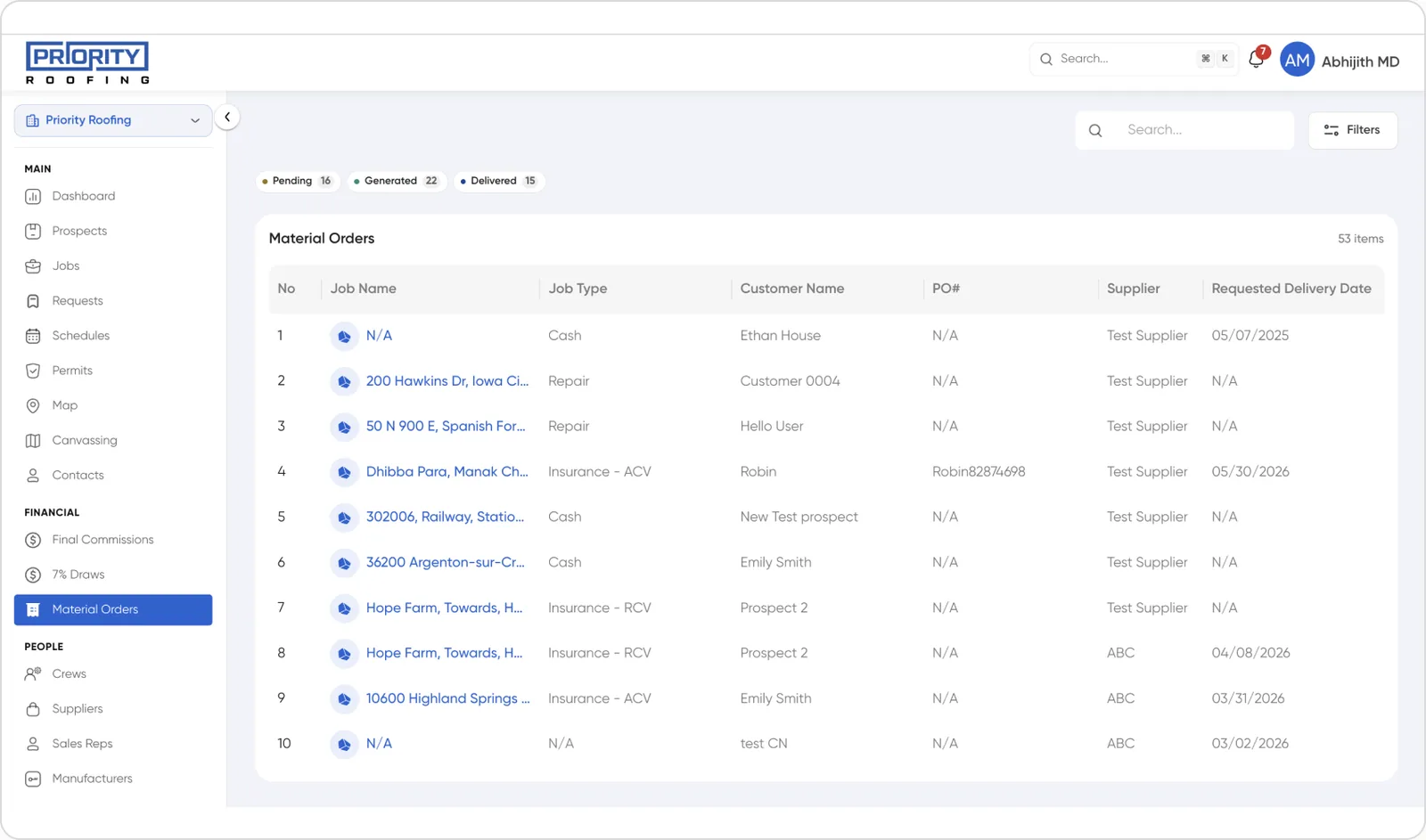
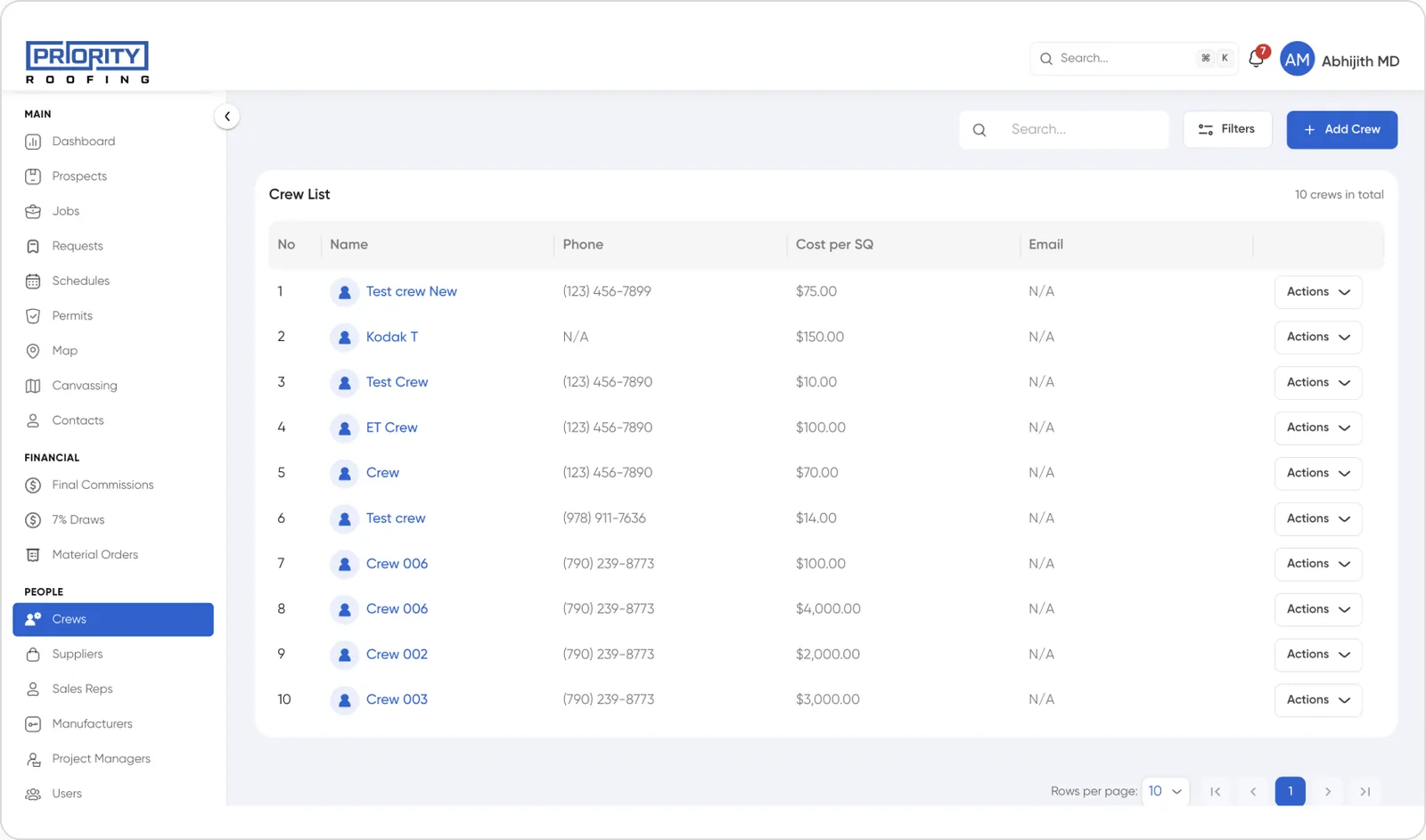
One Design System, Instead of Solving the Same Problem Twice
I built a design system so I wasn't solving the same problem twice across screens. Reusable components kept every screen consistent and made the product easier to maintain as it grew.
It also made working with developers easier: clear components and guidelines meant less back-and-forth and faster handoffs.
Before It Shipped Company-Wide, We Asked the Team If It Actually Worked
A system this important couldn't be judged by adoption numbers alone. Before full rollout, we ran a two-week pilot with the three daily-user roles, and used what we learned to decide what shipped as-is, changed, or got cut.
Executive summary
Priority Roofing's operations ran on three disconnected tools, patched together with spreadsheets no system owned. I traced one job end-to-end, audited the tools, and evaluated four off-the-shelf CRMs before deciding a custom build was the only real option. We piloted it with the three daily-user roles, measured their confidence before and after, and used that evidence, not just opinion, to greenlight the full rollout.
Before and after a two-week pilot, every Sales Rep, Project Manager, and Back Office user self-rated four things on a 1-5 scale, the gaps showed where the design was working and where it wasn't.
Job status confidence
Commission Trust
Self-serve info
Daily comfort
All four metrics rose sharply, led by trust in commission numbers and self-serve access to job info.
These two gains, trust and self-serve access, drove most of the speed improvements below. Daily comfort improved the least, so that's what the rollout plan focused on next.
“I stopped keeping my own tracker. If it's not in the CRM, I don't trust it, and now everything is in the CRM.”
Jack Cella
Back Office Lead
Three Tools Became One, and the Work Became Visible
The spreadsheets that patched every gap between tools are gone. For the first time, a job's whole story, lead, production, and money, is visible to everyone who touches it.
3 → 1
tools replaced by one system, QuickBooks synced, Roofr's gap and Excel retired
100%
reduction in spreadsheet dependency across Back Office & PM teams
40%
faster job coordination, from Sales handoff to first Back Office action
min → sec
to locate a contract, scope, or crew inside the job record